Point your phone at any menu. See every dish — in your language.
Snap a photo of the menu and browse it like a picture book: every dish with a photo, the price, and automated dietary hints — in one of 26 languages. Made for travelers who can’t read the menu, and for anyone who’d rather see the food first.
How it works
Snap the menu
Point your camera at the menu — a paper one, a chalkboard, or the QR code on the table.
AI reads and translates it
In a few seconds the menu comes back structured and translated — dish names, descriptions, and prices you can actually read.
Browse it like a photo menu
Scroll the dishes as pictures, tap any one for details, and order the thing you actually want.
Features
26 languages
Menus are translated into your language — 26 supported so far — no matter what language the menu is printed in.
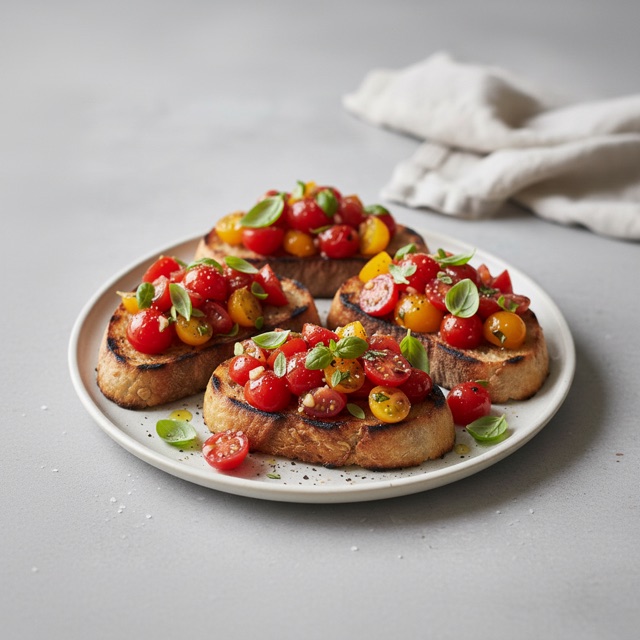
A photo for every dish
Honestly sourced: real photos from the restaurant, photos shared by other diners, representative stock photos, or clearly-labeled AI images when nothing real exists yet. Every image is badged with where it came from.
Dietary fit & allergen hints
Automated hints — always confirm with the restaurant. Menu Pixie flags dishes that look vegetarian, vegan, or gluten-free and surfaces possible allergens, but these are AI estimates from a photo, never a guarantee.
Estimated calories
A rough, estimated calorie figure for each dish, so you have a ballpark before you order — an AI estimate, not a nutrition label.
Prices decoded
Prices lifted straight off the menu and shown next to each dish, so you know what you’re about to spend.
Menus saved on your phone
Every menu you scan stays in the app, so you can reopen it later — to order another round or to remember that place you loved.
Earn credits with plate photos
Share a photo of a dish you ordered and, once it passes moderation, you earn a credit — up to two a day. Your photo becomes that dish’s real picture for the next diner.
Invite a friend, you both get credits
Share your Pixie Code or a menu link. You both get 2 free credits when they scan their first menu.